
Your IPTV, made for the couch.
Couch Commander turns the IPTV service you already pay for into a proper TV experience on Fire TV and Google TV: a full guide, recording, pause and rewind, and a movie and series library that remembers where you stopped.
A player for your own playlists. No channels or content included.
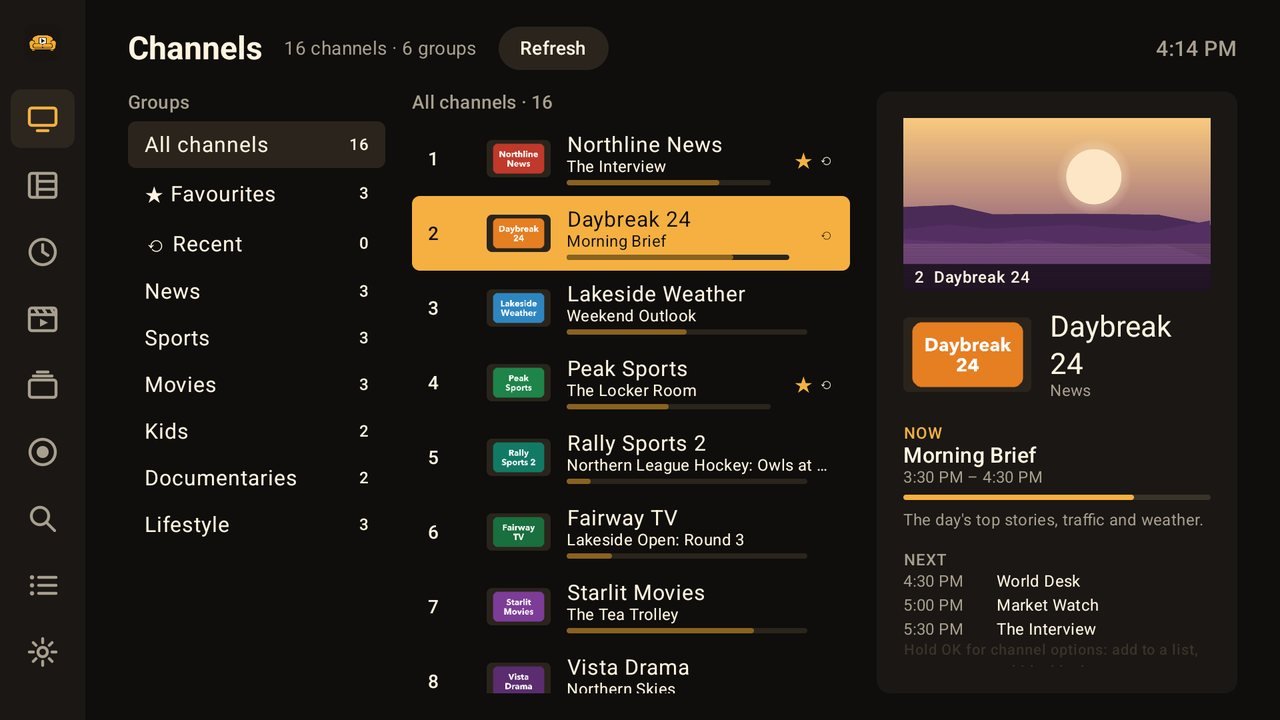
Where to get it
One app for the streaming sticks and smart TVs most homes already have.
Amazon Appstore
For Fire TV devices:
- Fire TV Stick and Fire TV Stick 4K
- Fire TV Cube
- Smart TVs with Fire TV built in
Google Play
For Google TV and Android TV devices:
- Chromecast with Google TV
- Google TV Streamer
- Smart TVs with Google TV or Android TV built in
Ready in about a minute
A short walkthrough sets everything up the first time you open it. No fiddly typing with the TV remote.
Install
Get Couch Commander from the app store on your TV.
Add your playlist
Scan the code on screen and type your provider's login on your phone. Xtream Codes logins and M3U links both work.
Pick favourites and watch
Choose the channels you watch most. They go at the top, and the TV guide fills in by itself.
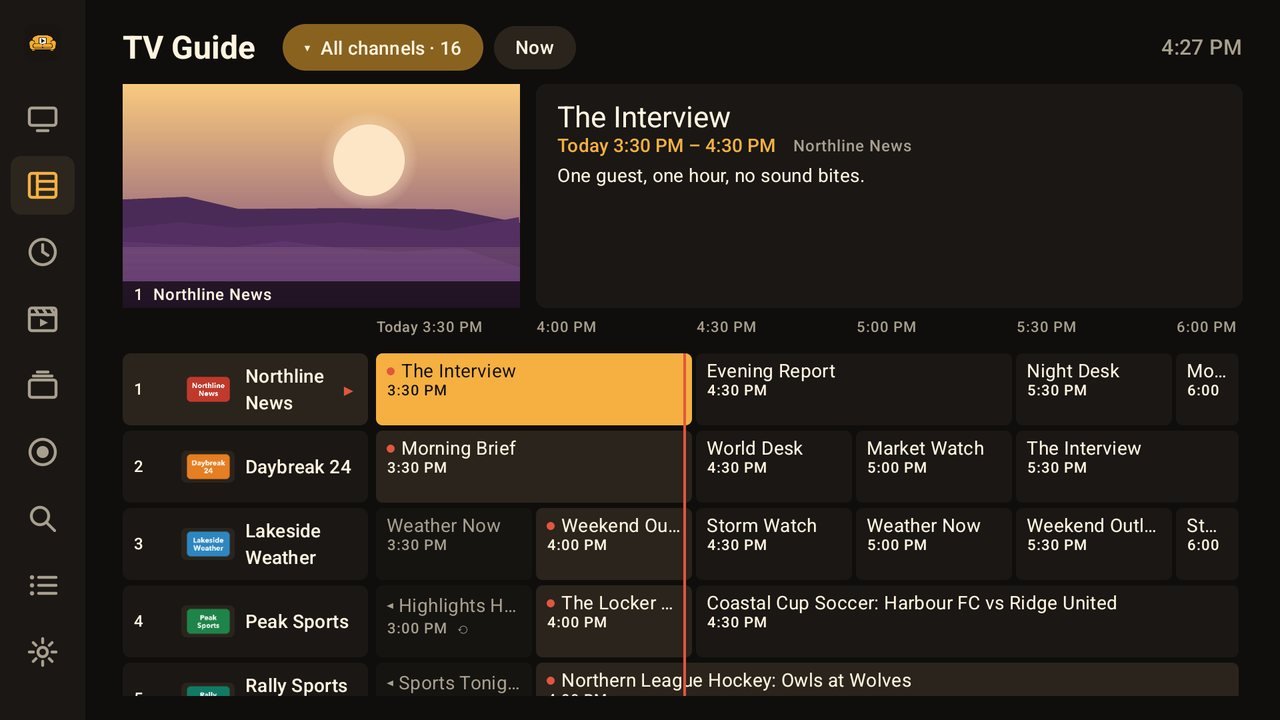
A real TV guide, with the picture right there
Browse what's on across every channel in a proper grid while the channel you picked keeps playing in the corner.
- Now, next and a week ahead
- Catch-up and "watch from the start" where your provider offers them
- Reminders before a programme starts
Record to the box, a USB drive or your home network
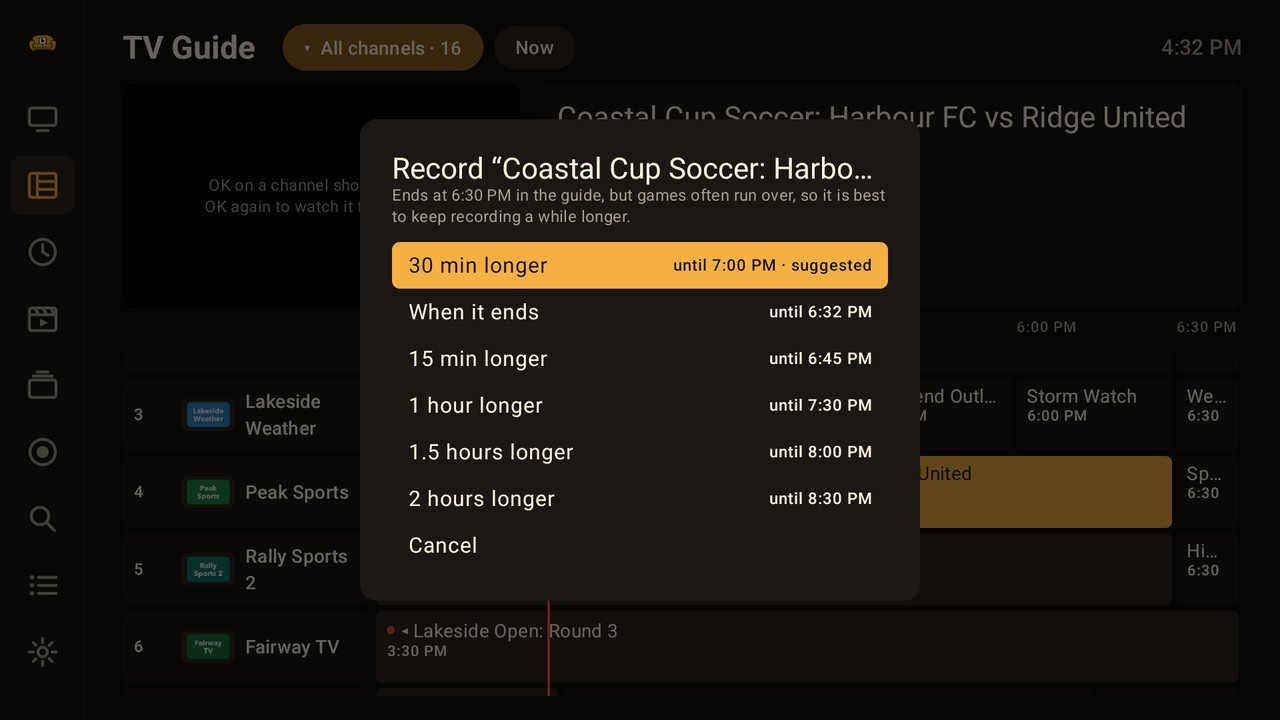
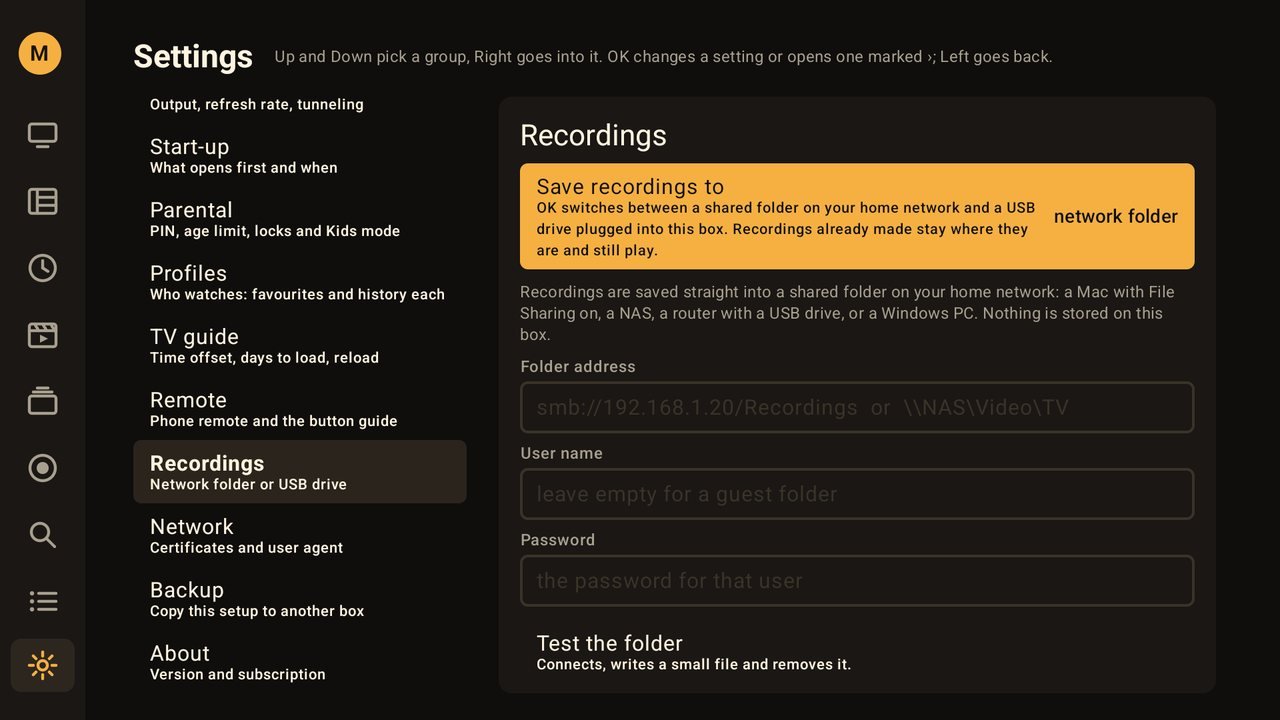
Record from the guide with one press, wherever suits you: straight onto your TV box, onto a USB drive plugged into it, or into a shared folder on your network (a computer, a NAS or a router with a drive).
- Games get extra time suggested, in case they run over
- Follow a show or a team and it records every time it airs
- On the box itself it shows how much room is left and stops before the box fills up
- Recordings on a network folder play on every TV in the house
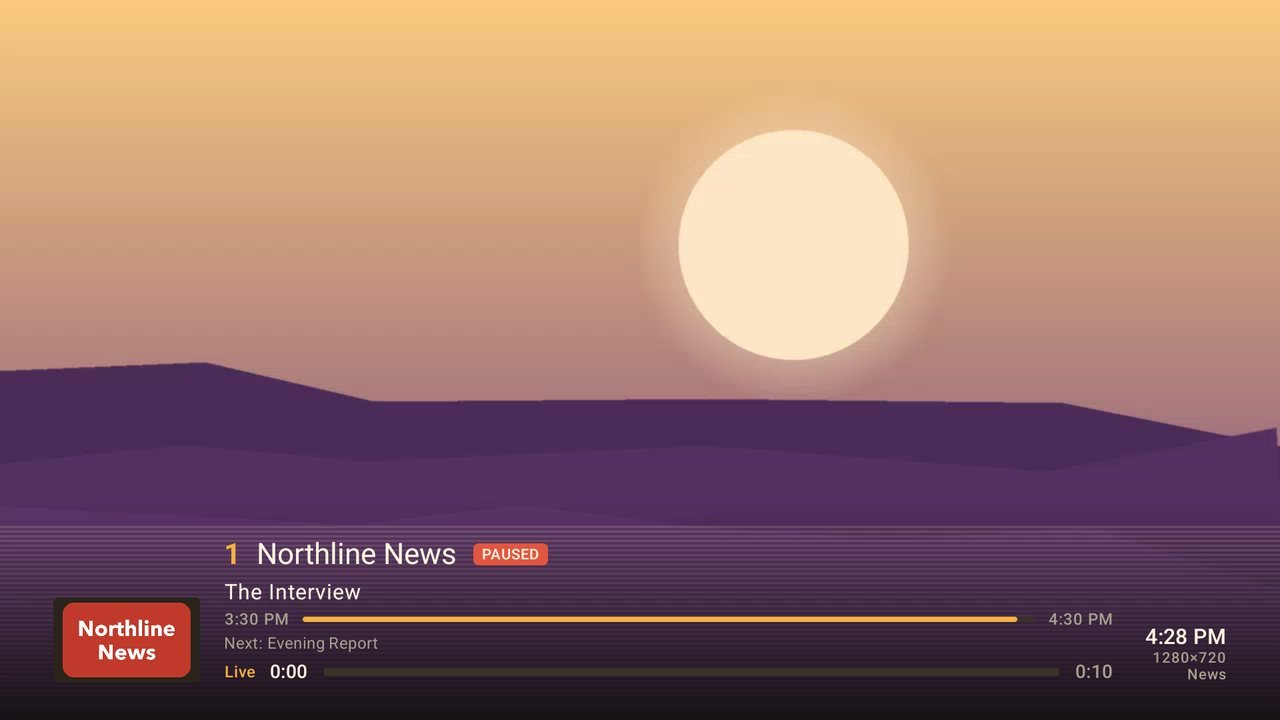
Pause, rewind, and jump back to live
Doorbell? Press pause. Missed the goal? Rewind it. When you're ready, one button takes you back to live.
- Channel list and schedule slide over the picture
- Flip back to the last channel with one button
- Sleep timer, audio and subtitle choices
A library that remembers where you stopped
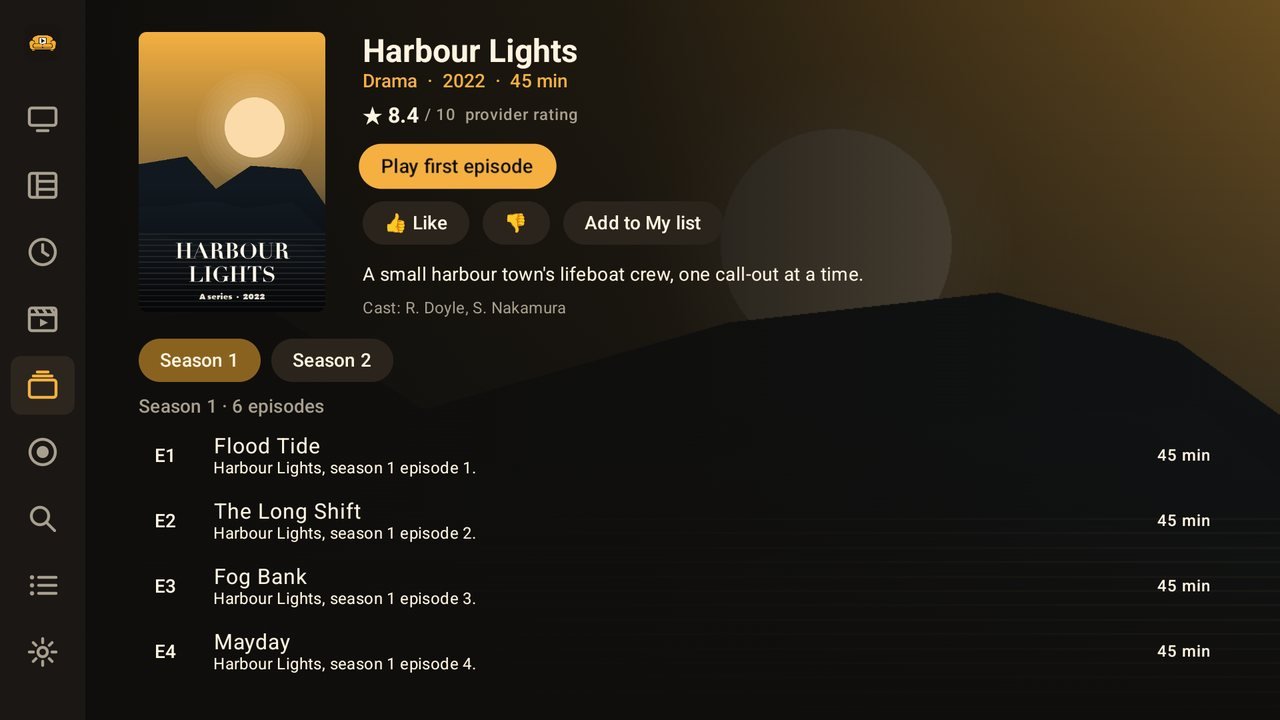
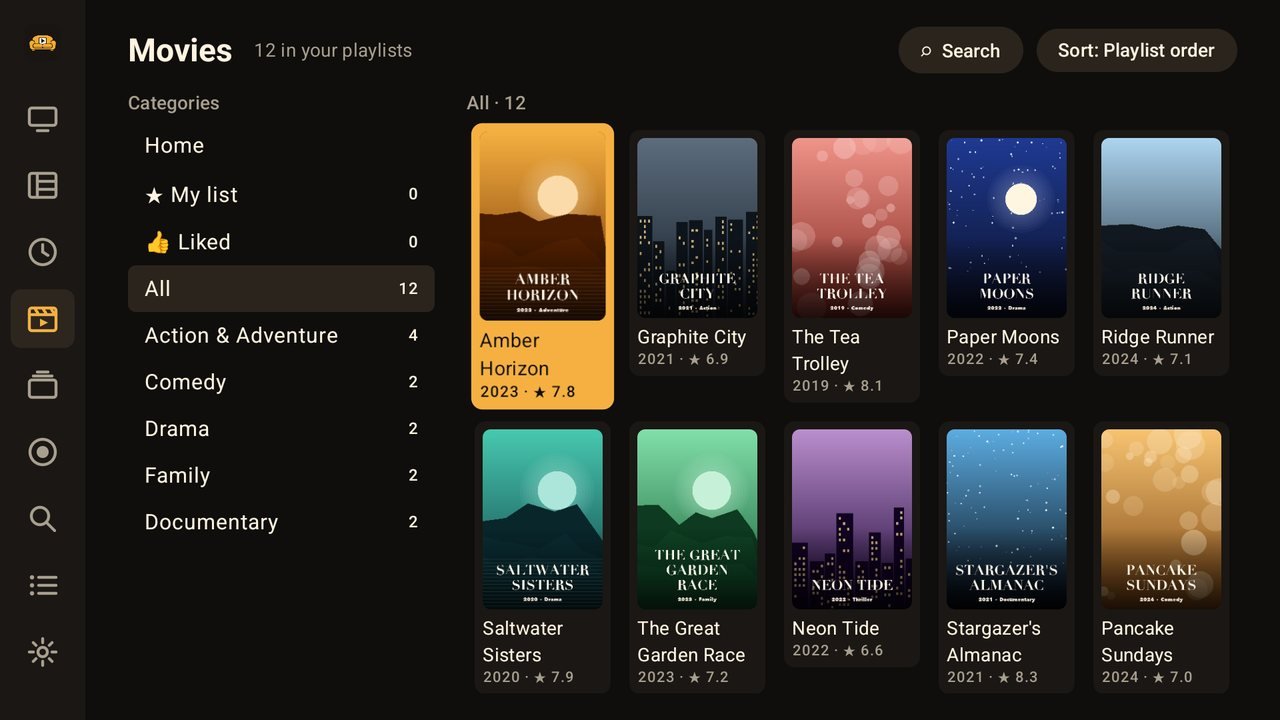
Your provider's movies and series laid out with posters, ratings and descriptions, so you spend less time scrolling and more time watching.
- Continue watching, My list and likes
- The next episode plays on by itself
- Search movies, series and channels at once
Profiles for everyone, and parental controls that are easy
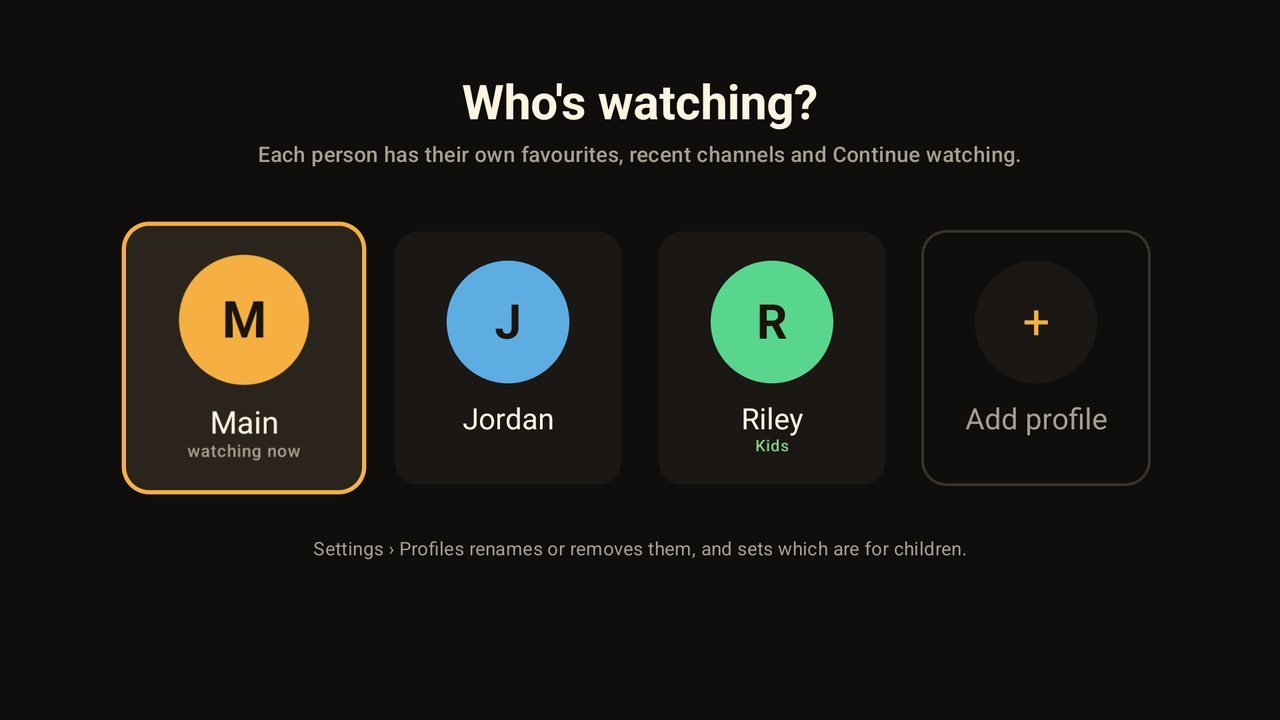
Everyone gets their own favourites, recent channels and Continue watching. Children get a profile that only shows what suits their age.
- Kids mode with a bright, simple look and an age limit
- Block channels, groups or whole categories behind a 4-digit PIN
- Adult content locks as soon as you set a PIN, which can also be asked whenever the app opens
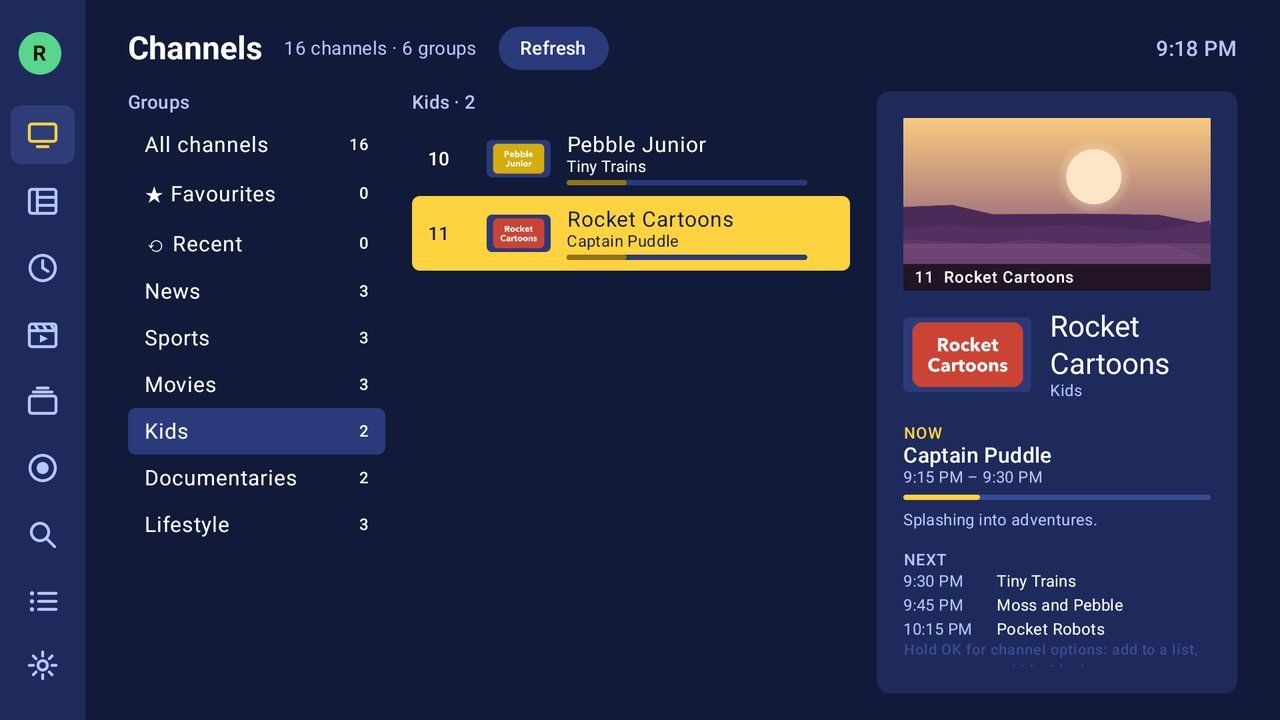
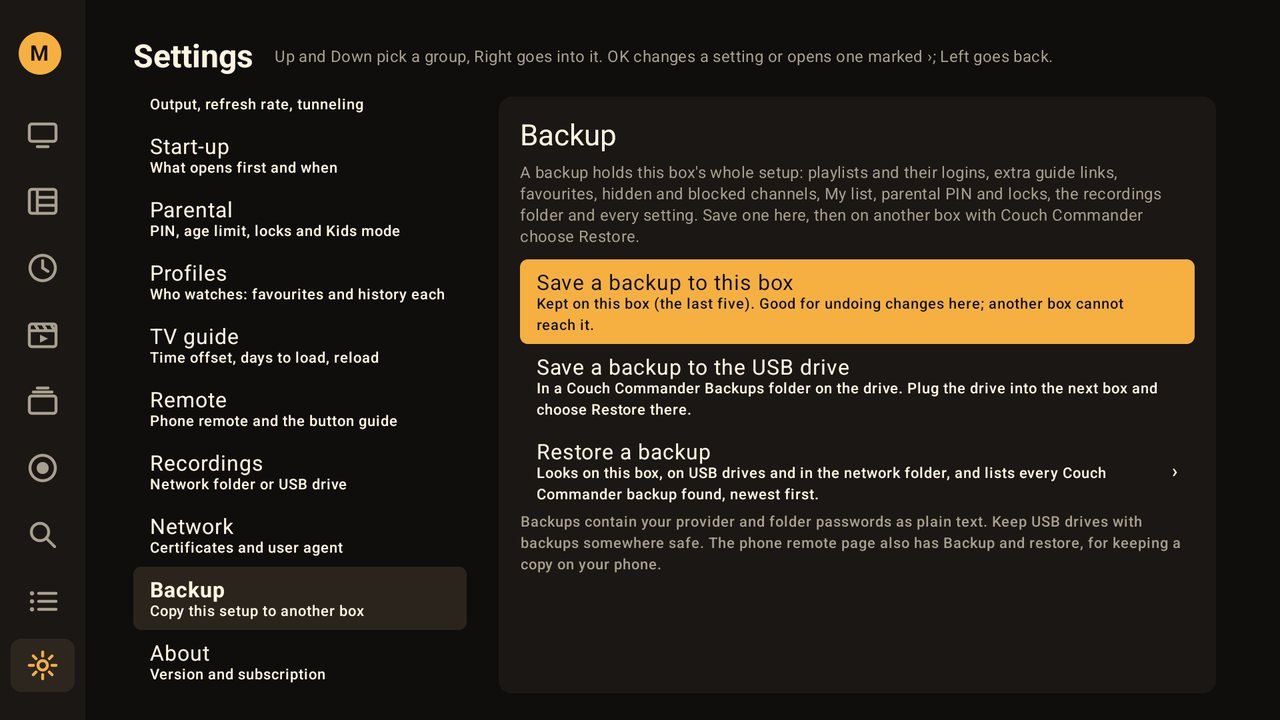
Set up one TV, then copy it to the rest
Got a TV in the living room, the basement and the bedroom? Set Couch Commander up once and copy the whole setup to the others in a minute.
- Playlists and logins, favourites, channel clean-up, profiles, PIN and settings
- Save the copy to a USB drive, your network folder or your phone
- Also a handy safety net if you ever reset or replace a TV box
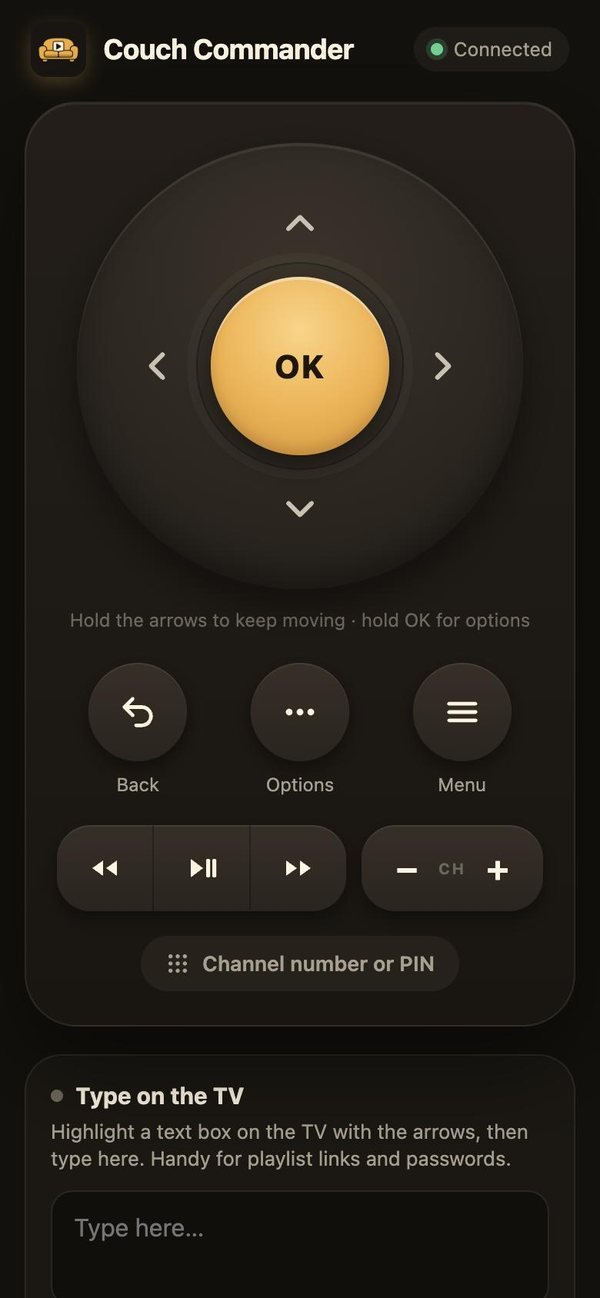
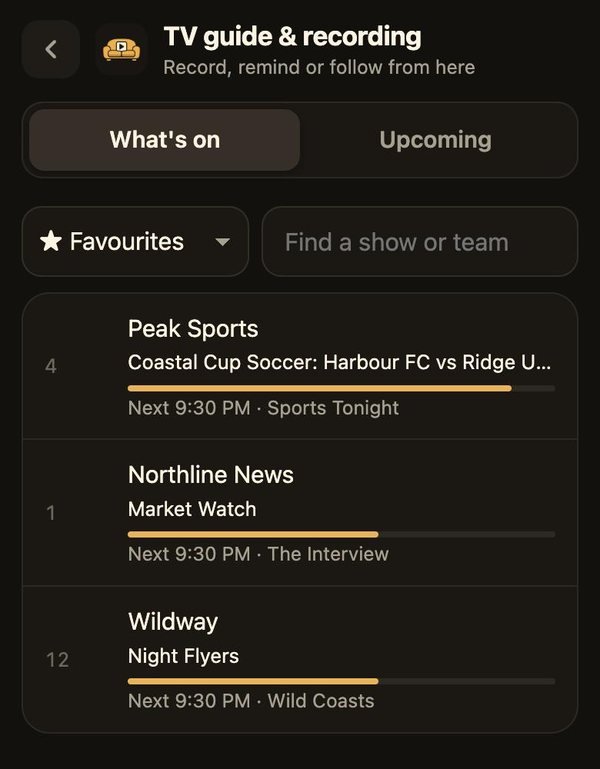
Your phone is a remote, a keyboard and a TV guide
Scan the code on the TV and your phone becomes a remote. There's nothing to install, and it works on any phone on the same Wi-Fi.
- Type playlist logins and searches on your phone
- Browse the guide and set recordings from the couch, or the kitchen
- Tidy channels and favourites on a bigger screen
And plenty more
The small things that make it feel like a real set-top box.
Several playlists
Xtream Codes and M3U, side by side.
Favourite lists
Make your own lists, like Sports or News.
Channel clean-up
Rename, hide, reorder and trim names like "US:".
Search everything
Channels, programmes, movies and series.
Ten looks
Pick a theme that suits your room.
Voice typing
Hold the remote's voice button to type.
Recent channels
And a one-press swap to the last channel.
Starts your way
On your last channel, or one you choose.
Try it free, then one low yearly price
Every feature is included. On Amazon, one subscription covers every Fire TV signed in to your Amazon account. You can cancel any time in your store account.
Local prices in other countries. The subscription unlocks the app's features only; it never includes channels or content.
Questions
Does Couch Commander come with channels?
No. It's a player for the playlists you already have. It includes no channels, playlists or content of any kind, and it doesn't help you find any.
What do I need to use it?
A subscription with an IPTV provider that gives you either an Xtream Codes login (server, username and password) or an M3U playlist link, and a Fire TV or Google TV device.
Will it work with my provider's TV guide?
Yes. The guide comes from your provider automatically. If your provider's guide is incomplete, you can add an extra guide link (XMLTV) and Couch Commander matches it to your channels by name.
Can I record to the TV box itself?
Yes. Choose "This box" in Settings › Recordings. Couch Commander shows how much room is left and always leaves enough free for the TV, stopping a recording before the box gets too full. Streaming sticks have little free space (often around 1 GB, while an hour of HD takes 1.5 to 2.5 GB), so for games, films and anything long, a USB drive or a network folder is more reliable.
I have more than one TV. Do I pay again?
On Amazon, one subscription covers every Fire TV signed in to the same Amazon account. Set up one TV, then use Backup to copy the setup to the others.
Can I stop my children watching certain channels?
Yes. Set a 4-digit PIN, then block channels, groups or categories, set an age limit, or give children their own profile with Kids mode. Adult content is locked as soon as a PIN is set.
What happens to my information?
Your playlists, logins and viewing history stay on your TV box. We don't run accounts, collect analytics or show ads. The privacy policy has the details.
How do I get help?
Email support@couchcommander.fun. For problems with a playlist itself (missing channels, buffering), your provider is the best place to start, since we can't see or change their service.